
Step 1
Login to your Conquer Wall Street account. Learn how.
Step 2
After you're logged into the membership area, click on the Profile icon in the website header.

Step 3
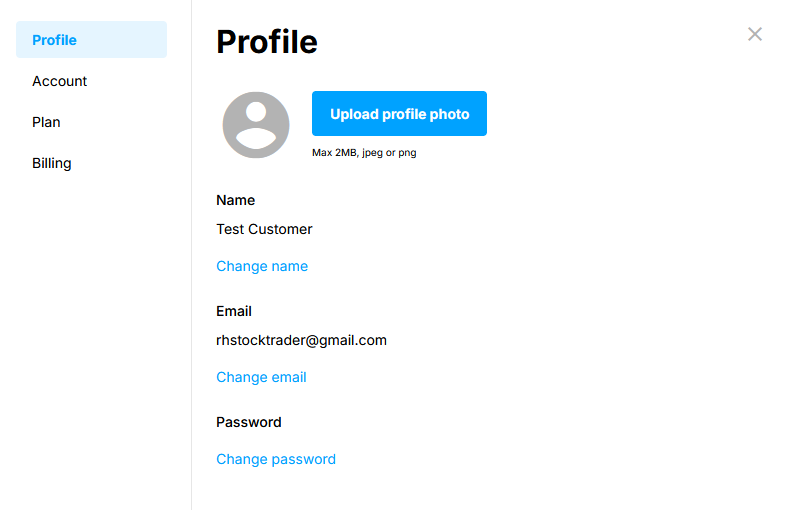
You'll see a popup window appear that provides access to your account.
Step 4
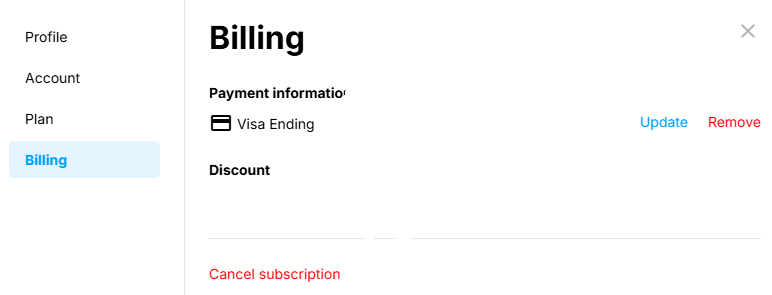
Click on the tab labeled Billing.
Step 5
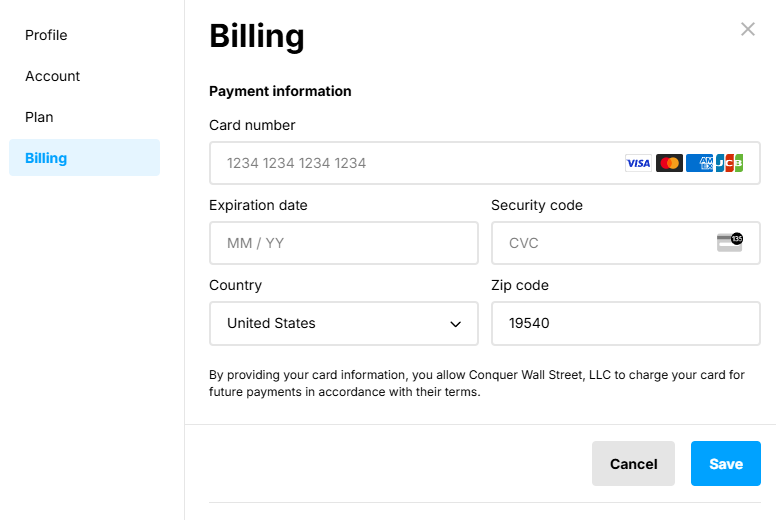
Click on the tab labeled Update and add your new billing information.
Step 6
Click Save to update your payment information.